






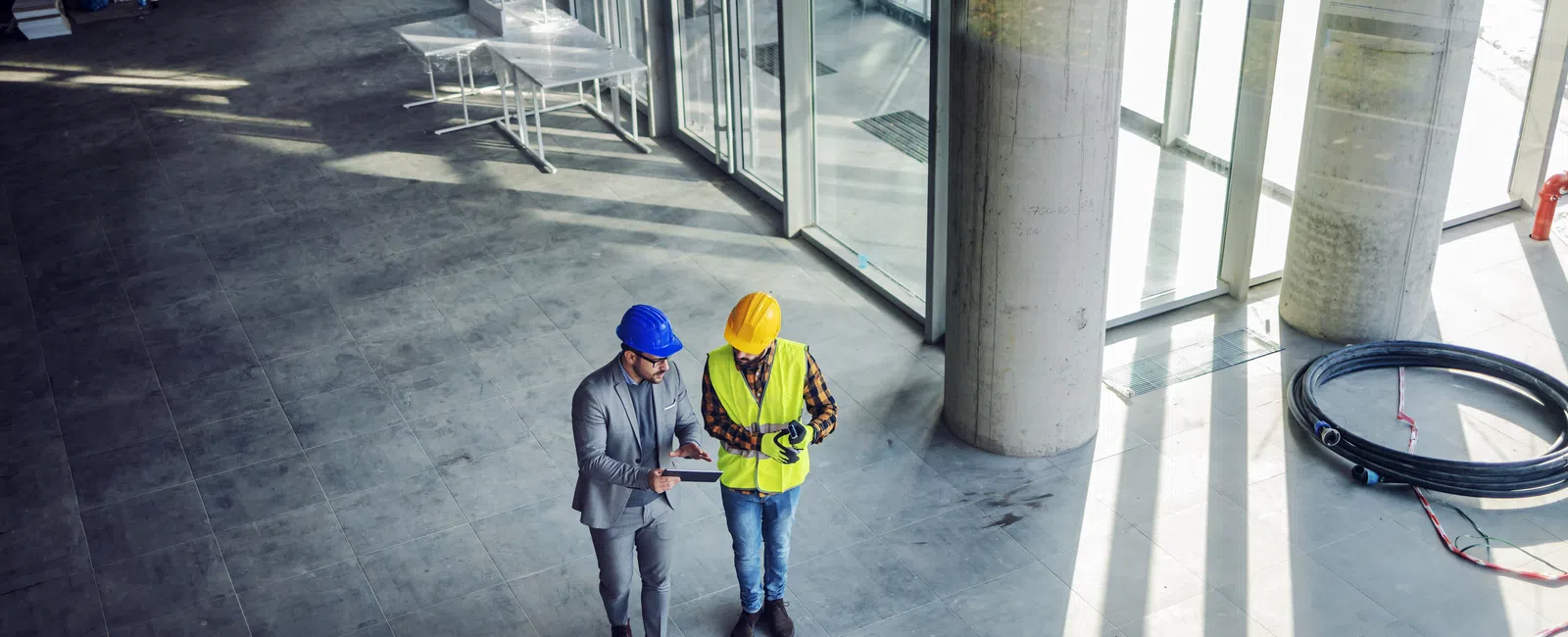
Construction companies can secure job trailers, field devices, and remote teams by starting with identity: MFA on every account, conditional access, managed devices, and tightly controlled admin rights. Backed by email protection, secure remote access, and tested backups, those controls protect company data no matter which site, network, or device your team is working from.
The Jobsite Security Framework
- Identity security: MFA and conditional access for every user, including field staff who sign in from phones.
- Device management: Know every laptop, tablet, and phone that touches company data, and keep them patched.
- Email protection: Filtering and user training reduce the phishing behind most ransomware and email compromise for construction firms.
- Secure remote access: Give trailers and remote staff controlled, logged access instead of open connections.
- Backup and recovery: Protect project files and email with backup and disaster recovery for contractors that is tested, not assumed.
- Incident response: Know who to call and what to do if a device is lost or an account is compromised.
Why Field Devices Create Risk
Phones, tablets, laptops, and shared trailer devices often connect from changing locations and networks, making identity and access controls critical. A lost tablet or a shared password can expose plans, contracts, and payment information.
What to Review First
- MFA
- Conditional access
- Device compliance
- Admin permissions
- Backup coverage
Many of these are also the cyber insurance controls for construction companies carriers ask about at renewal, so fixing them helps on both fronts.
Plain-English Takeaway
If your field team can access company systems from anywhere, your security model has to assume that risk and control it. If you work with an MSP, these controls belong on your list of questions contractors should ask before hiring an MSP.
Frequently Asked Questions
How do you secure a construction job trailer network?
Use a dedicated, managed network for each trailer, separate guest access from company devices, require MFA for company systems, and remove access when the project closes.
What should happen when a field device is lost?
The device should be managed so it can be locked or wiped remotely, and the user's sessions should be signed out and passwords reset.
Should field crews use personal phones for work?
If they do, use device management or app protection policies so company data stays separated and can be removed without touching personal data.
What is conditional access?
Conditional access sets rules for when and how users can sign in, such as requiring a managed device or blocking sign-ins from unexpected locations.
Identify Jobsite Security Gaps
Review how your trailers, field devices, and remote teams connect, and see which gaps to close first.


