






Spring break often gets a bad rap.
Images of college students, wild decisions, and stories beginning with "we thought it was fun at the time…" dominate the conversation.
But adults stumble over spring break tech pitfalls too — just more quietly.
You strive to be present with your loved ones, yet work creeps in. So you scramble, multitask, saying, "I'll quickly handle this."
That's where trouble begins.
Here are the top vacation tech blunders—and how to avoid bringing home unwanted digital souvenirs.
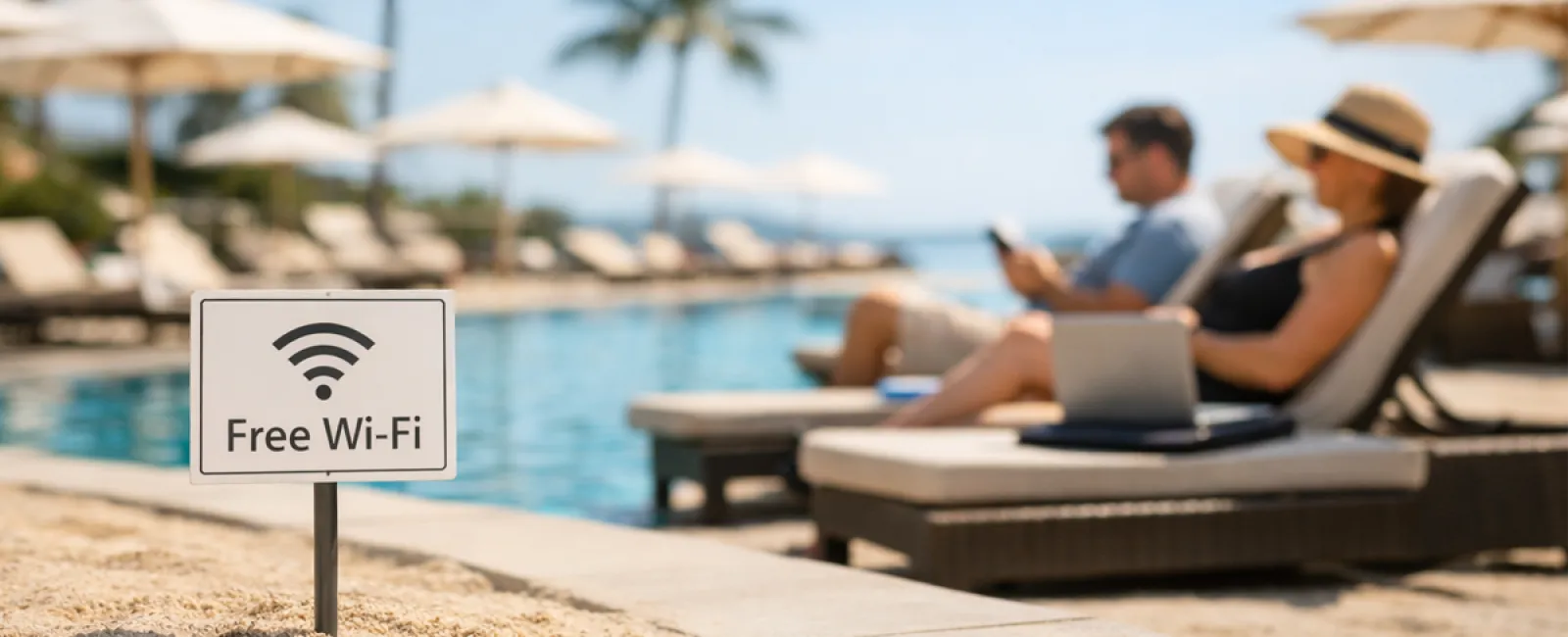
The "Free Wi-Fi Trap"
Hotels, cafes, airports all offer Wi-Fi. You connect on a whim to send a quick email before breakfast ends.
Potential danger: Fake hotspots named "HOTEL_GUEST_FREE" can be operated by hackers nearby, capturing your credentials and banking info.
Smart solution: Use your phone's personal hotspot for anything confidential. If using public Wi-Fi, double-check the official network name with hotel staff.
The "March Madness Streaming Gamble"
The big game is on, the hotel lobby streams golf. You frantically search "free March Madness stream" and click a shady-looking link.
After multiple pop-ups, something unwanted downloads, but hey—the game is live!
Risk involved: Malware infections, browser hijacking, fake ESPN sites designed to steal your data.
How to stay safe: Only stream through official apps. If the website looks suspicious, close it immediately.
The "Phone Sharing Slip-Up"
Your child's bored, your phone has games—so you hand it over for some quiet time.
Minutes later, they've installed multiple apps, approved all permissions, and signed up for questionable offers like "RobuxFreeForever."
Hidden risks: Dangerous app permissions, unauthorized account links, surprise in-app bills lurking ahead.
Better approach: Provide a separate tablet dedicated to kids' entertainment that's isolated from your work and finance apps.
The "Quick Login Black Hole"
One quick email check leads to CRM, accounting, client portals, Slack—all on unsafe hotel Wi-Fi while your family waits.
Threat: Rushed logins expose your credentials to hackers sharing that public network.
Preventive tip: Use your phone's hotspot for sensitive work or ask yourself if it truly can't wait until after vacation.
The "Vacation Location Overshare"
Posting beach photos with tagged locations and exact dates says loud and clear: your home is unattended and far away.
Security concern: Announcing you're away makes your home a target for burglars.
Smart move: Save vacation photos for sharing when you're back. The beach will wait.
The "Low Battery Panic Plug-In"
At the airport, your phone's at 3%. You plug into a public USB charging port.
Danger: Juice jacking—compromised charging stations that steal your data while powering your device.
Safer option: Carry your own portable charger and cables—avoid public USB ports whenever possible.
The "Vacation Password Reuse"
To access resort Wi-Fi, you create a quick password like "Beach2026!" and reuse it across multiple accounts.
Major risk: One hacked password puts all accounts at risk.
Best practice: Use a password manager to generate unique, strong passwords—even for temporary accounts.
Key Takeaway
These mistakes don't stem from carelessness but from being rushed and distracted while trying to enjoy vacation mode.
That's perfectly normal.
The aim isn't perfection—it's minimizing those "oh no" moments when you return home.
Planning a Spring Break Getaway?
If your business already follows strong travel security habits, enjoy your break.
If any of this sounds familiar, a brief Consult could provide valuable guidance.
No pressure. No gimmicks. Just practical advice to keep your vacation stress-free.
Not your situation? Share this with someone who could improve their spring break tech safety.
Click here or give us a call at 952-941-7333 to schedule your free Consult.


