






Imagine you're midway through a five-hour drive to see family for the holidays. Your daughter turns and asks, "Can I play Roblox on your laptop?" Your work laptop—loaded with client documents, sensitive financial information, and critical business access. You're drained from the packing frenzy, facing three more hours on the road, and honestly, keeping her busy sounds appealing right now. What could possibly go wrong?
Holiday travels bring unique security risks that typically don't appear during everyday routines. You're distracted, fatigued, connecting to unsecured networks, and blending leisure with quick work check-ins. Whether your trip is purely for business, vacation, or a tricky blend of both, here's how to safeguard your data while keeping the holiday spirit alive for everyone.
Pre-Trip Checklist: A Quick 15-Minute Security Boost
Spend 15 minutes before you hit the road to bolster your defenses:
Essential device steps:
- Update all software and security patches immediately
- Back up critical files securely to the cloud
- Enable automatic screen locks with a timeout of no more than two minutes
- Activate "Find My Device" features on all phones and laptops
- Fully charge your portable power bank
- Bring along your own chargers and necessary adapters
Discuss device use with your family:
- Clarify which gadgets are off-limits for children and which are okay
- Set up a dedicated family tablet or secondary device strictly for entertainment
- Create separate user profiles on your laptop if children will be using it
Pro tip: If kids need tech during the trip, bring along a tablet not linked to your work accounts. Investing around $150 in a device like an iPad is far cheaper than fixing a data breach.
The Risky Reality of Hotel WiFi Networks
Upon arrival at the hotel, everyone quickly connects devices—phones, tablets, laptops, gaming gear—hoping to stream shows, check emails, or finish last-minute work tasks.
The catch? Hotel WiFi is a shared network used by hundreds, including potential cybercriminals lurking for easy targets.
True story: A family joined what seemed like their hotel's WiFi. Unfortunately, it was a fraudulent network set up nearby. For two days, every password, credit card detail, and email was intercepted.
Safe surfing tips:
Confirm the exact WiFi network name—ask the front desk. Don't join networks based on guesswork.
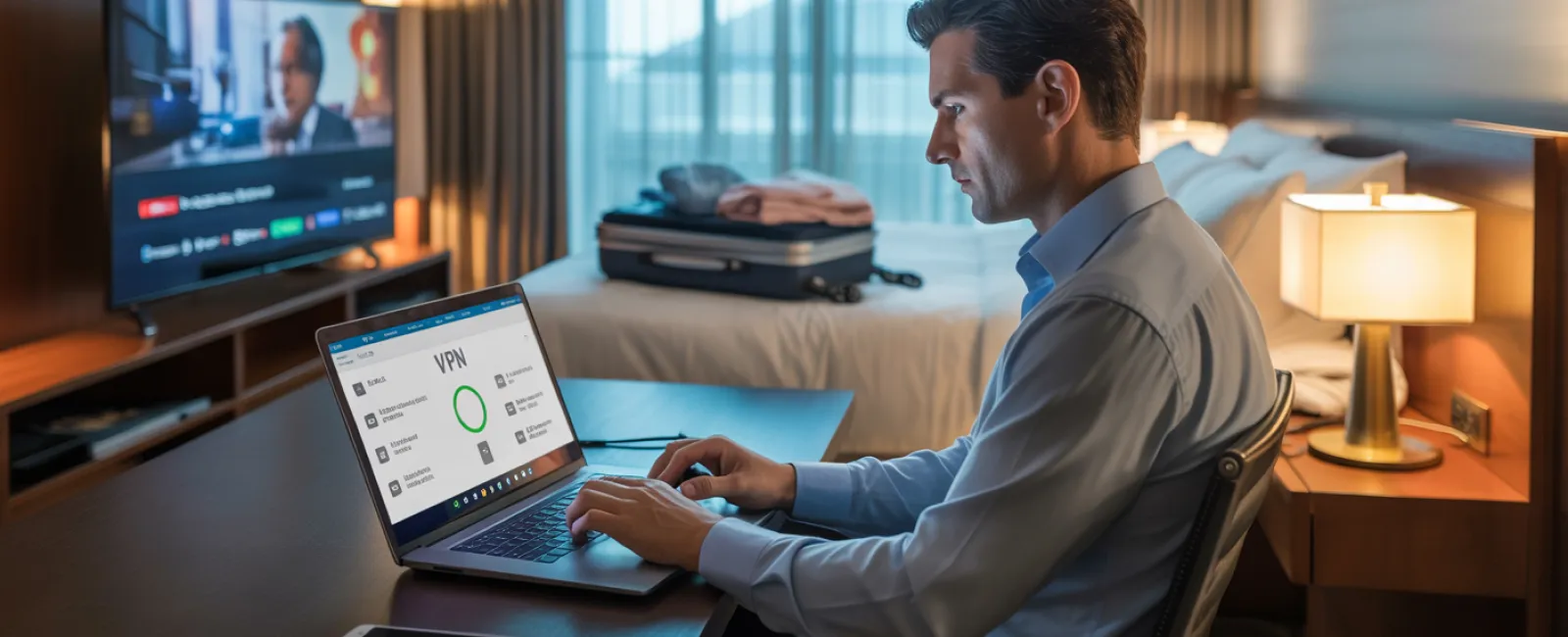
Use a VPN for work-related activities—this encrypts data when accessing company resources or emails.
Switch to your phone's hotspot for sensitive browsing—tasks like banking or client work should avoid hotel WiFi for safety.
Separate leisure from work—kids streaming cartoons on hotel WiFi is fine, but you should protect business info by using your private hotspot.
Why Sharing Your Work Laptop Is a Security Hazard
Your work laptop contains everything—emails, bank access, client records, and business systems. Kids may ask to watch YouTube, play games, or video chat, but letting them use this device is risky.
Here's why: Children often download unintended files, click on pop-ups, share passwords with friends, or forget to log out—all innocent behaviors but serious security vulnerabilities when done on your work device.
How to handle this:
Politely refuse use of work devices—"This is my work computer, but here's another device you can use." Be consistent with this rule.
If you must allow access:
- Set up a separate, restricted user profile
- Closely supervise their activities
- Block any downloads
- Avoid storing passwords on the device
- Clear browser history after their session
Better yet: Pack a dedicated family device, like an older tablet or laptop without work account access, specifically for travel entertainment.
Smart Streaming: Avoid Leaving Accounts Open on Hotel TVs
Watching Netflix in your hotel room is tempting, but logging into your account on a hotel's smart TV and forgetting to log out can expose your data to strangers.
The risk: Subsequent guests gain access to your streaming account, and if you've reused passwords (fingers crossed you haven't), other accounts could be compromised.
How to avoid this pitfall:
- Use your personal device to cast content to the TV for better security
- If you log in on the TV, set a phone alarm reminding you to log out before checkout
- Download movies and shows to your devices before travel to bypass hotel TVs entirely
Never log into these on hotel smart TVs:
- Banking applications
- Work-related accounts
- Email services
- Social media platforms
- Any accounts with stored payment details
Steps to Take If Your Device is Lost During Travel
With the chaos of holiday travel, misplacing devices is common. If your device goes missing...
Within the first hour:
- Activate "Find My Device" to locate it immediately
- If recovery isn't possible, remotely lock the device
- Change passwords for crucial accounts using another device
- Contact IT support to revoke company system access
- Notify relevant parties if sensitive business data was stored on the device
Before traveling, ensure your device has:
- Remote tracking enabled
- Strong password protection
- Automatic data encryption activated
- Remote wipe capability to erase data if needed
Family member lost their device? Follow these same precautions: remote lock, password changes, and tracking.
Beware of Rental Car Bluetooth Data Risks
Connecting your phone to a rental car's Bluetooth is convenient for music and navigation, but these systems often store contacts, call history, and text message previews.
Unfortunately, this data can remain accessible to the next driver after you return the vehicle.
Quick 30-second cleanup before handing back the car:
- Remove your phone from the car's Bluetooth devices list
- Clear recent GPS destinations
- Better yet, use an aux cable or avoid connecting altogether
Setting Clear Boundaries on "Working Vacation" Mode
You've committed to family time, yet you find yourself checking emails 47 times, taking surprise work calls, and spending hours on your laptop while others enjoy activities.
Constantly toggling between work and vacation compromises your security vigilance. Distractions increase the risk of unsafe clicks and insecure network connections.
Here's how to maintain balance:
- Limit checking work emails to two scheduled times daily
- Use your phone's hotspot instead of hotel WiFi for work tasks
- Work from private spaces like your hotel room, away from public view
- Engage fully during family time—avoid multitasking with work
The best security advice? Take genuine time off to recharge. Your business will survive a week without you, and you'll be sharper to identify risks when rested.
Adopting a Holiday Travel Security Mindset
The reality is merging work and family on holiday can be complicated. Your daughter might truly need your laptop, or you might have urgent work emails to handle while driving.
The aim isn't perfection—it's about intentional risk management:
- Prepare devices thoroughly before departure
- Recognize which activities pose greater risks (like using hotel WiFi for banking) and which are safer (checking email via hotspot)
- Establish firm boundaries between work data and family activities when feasible
- Develop action plans for when issues arise
- Know when to say, "Not on this device," and stand by it
Create Holiday Memories That Matter, Free From Data Worries
The holidays should focus on connecting with loved ones—not scrambling to recover from a data breach or explaining a client data leak.
With simple preparation and clear guidelines, you can keep your business secure without spoiling the fun. Your family enjoys the season, your business remains safe—it's a win-win.
Need expert help designing travel security plans for your team (and yourself)? Click here or give us a call at 952-941-7333 to book a free Consult with us. We'll help you create practical policies that protect your business without making travel impossible.
Because the best holiday story shouldn't be, "Remember when Dad's laptop got hacked?"


